

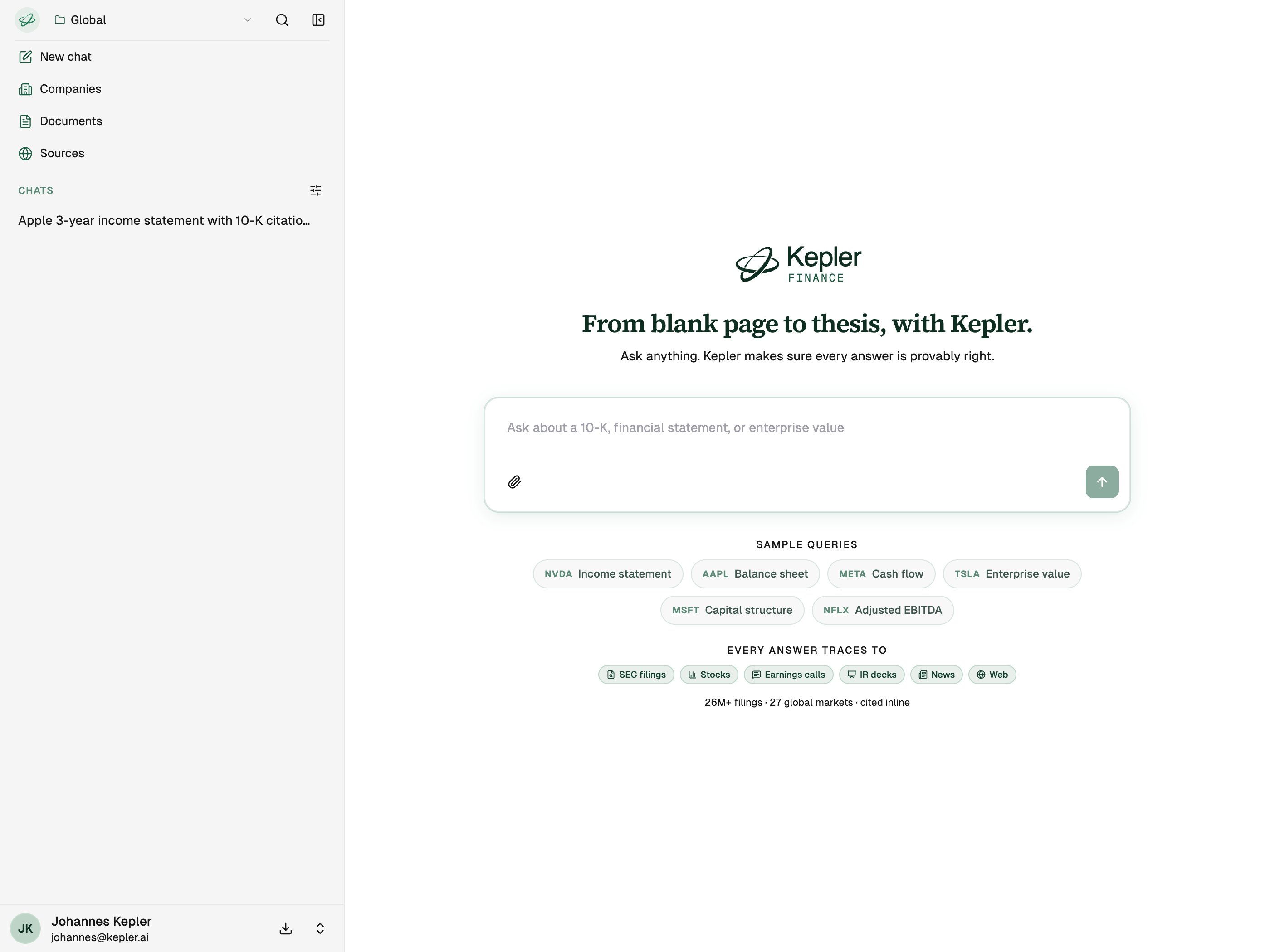
Quickstart
Run your first research question and read a citation-backed answer.
What's new
The latest features in Kepler, week by week.
Using Kepler
Chats
Ask questions, add your own files, and follow up in the same thread.
Citations
Click any number to see its source and how it was calculated.
Company pages
Filings, transcripts, financial statements, and key metrics in one place.
Documents
Upload, forward, and search your own files.
Workflows
Run a repeatable analysis on any company and get a full report.
Share and export
Send a chat to a colleague, print it, or take the data to Excel.
Use Kepler in other tools
MCP connector
Use Kepler from Claude, ChatGPT, Cursor, and other MCP clients.
Data connectors
Bring your organization’s files into Kepler, connected once by an admin.
What you can ask
- Company financials: “What was NVIDIA’s data center revenue last quarter, and how fast is it growing?”
- Earnings recaps: summaries of an earnings call against the filed results and prior guidance.
- Financial models: “Build a 3-statement model for Apple for the last three fiscal years.”
- Comparisons: side-by-side fundamentals across two or more companies, every figure cited.
- Your own documents: questions across the files you upload, forward, or connect, cited the same way as a filing.