This guide takes you from signing in to reading your first sourced result. You can use Kepler in two ways: directly in the web app, or through the MCP connector inside an AI assistant like Claude. This quickstart uses the web app.
Open app.kepler.ai and sign in with your Kepler account.
2
Ask a question
In the chat, ask a financial research question in plain language. Be specific about the company and the periods you care about.
What drove the change in Costco's gross margin over the last three fiscal years?
3
Let Kepler work
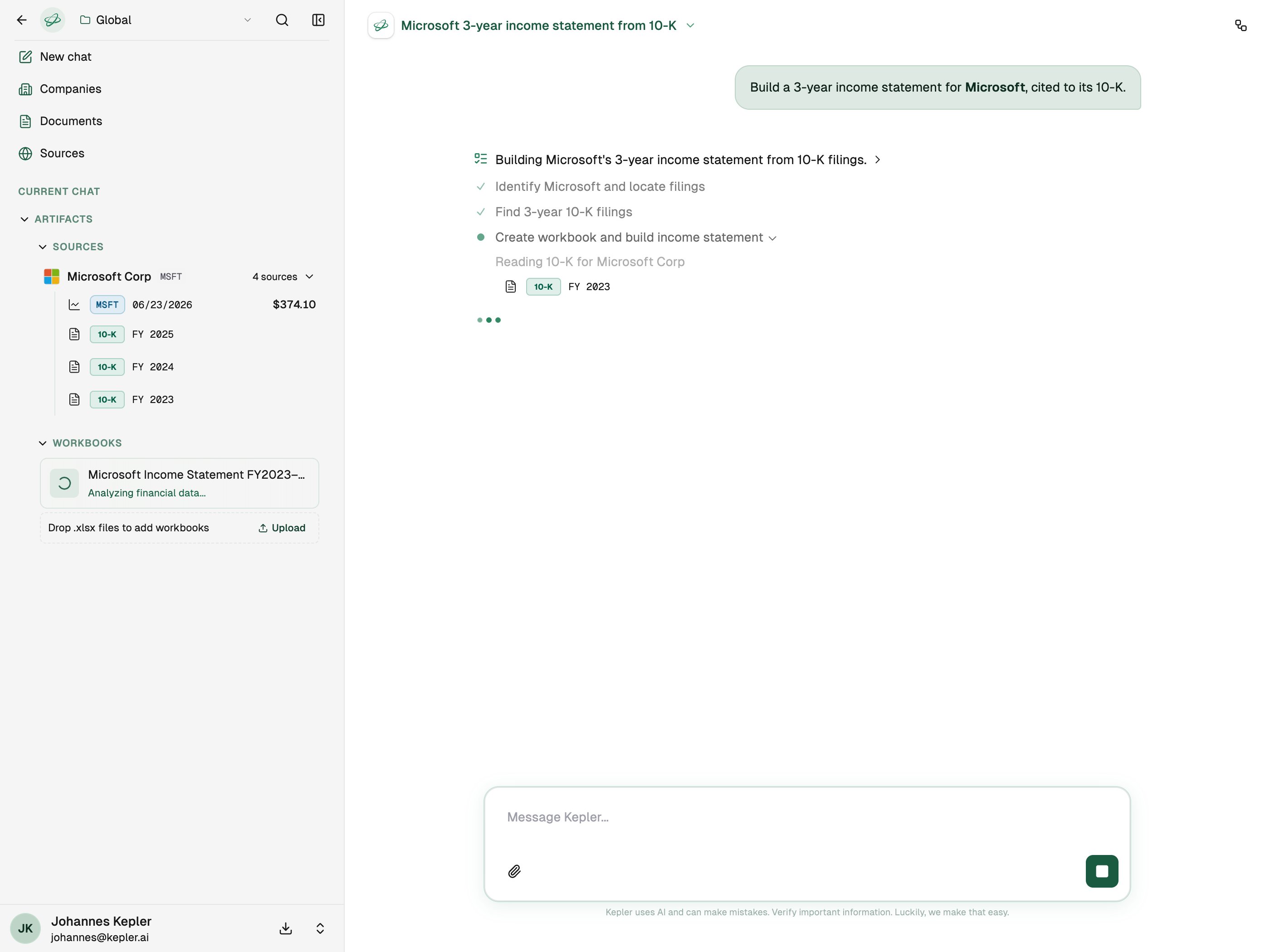
Kepler finds the relevant filings and transcripts, extracts the figures, and writes an answer. A run typically takes a few minutes, and you’ll see live progress as it reads sources and builds results.
Kepler works through the request, listing the sources it reads as it goes.
4
Read the answer and check the sources
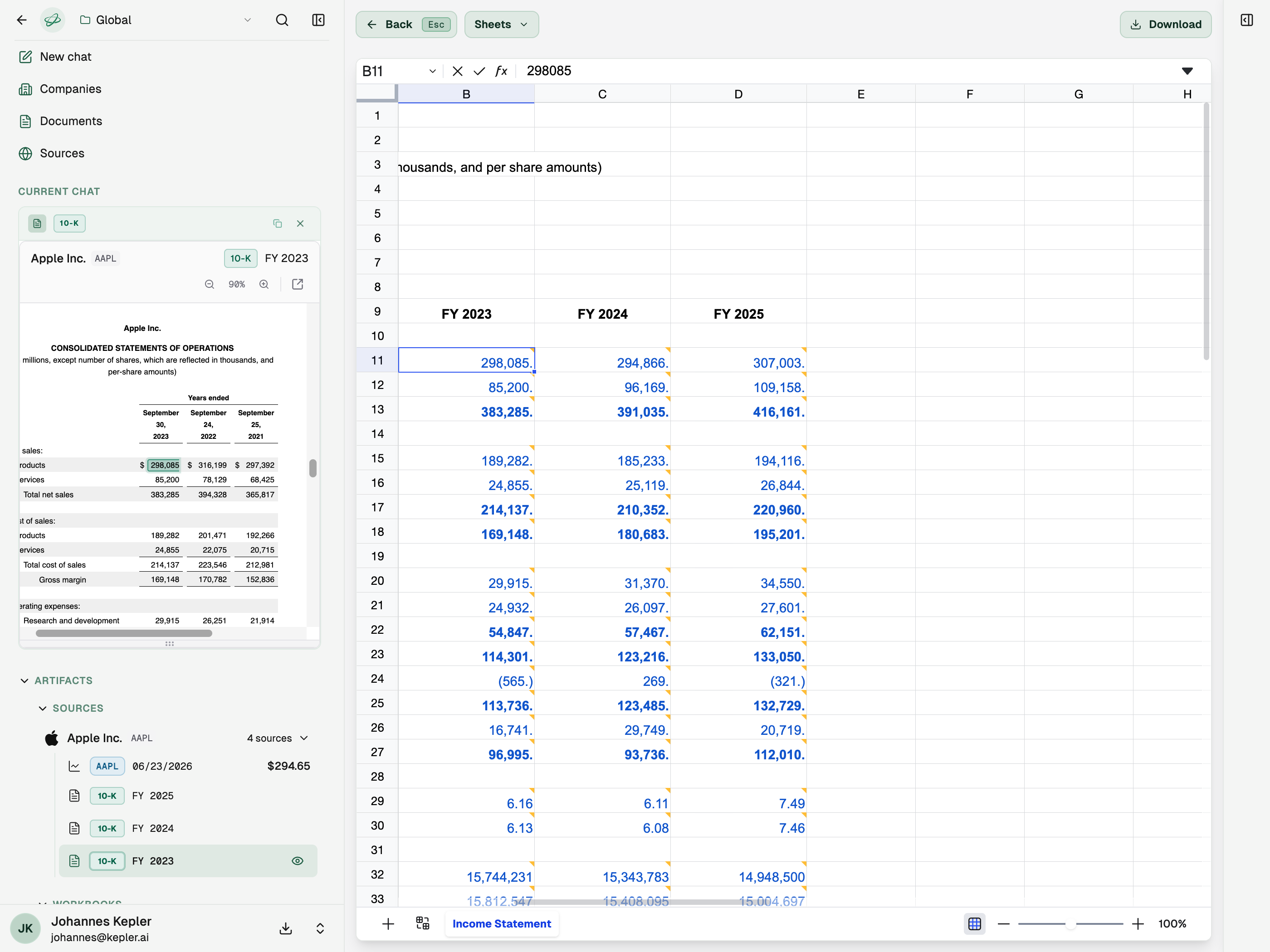
Every figure in the answer links back to the filing or transcript it came from. Open a citation to see the original source, and review the sourcing report to confirm coverage.
Click any figure to trace it to the exact line in the filing. Here a workbook cell maps to Apple's 10-K.